

Employee Self Service
Employee Hub Registration instructions:
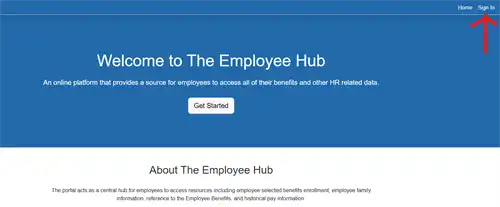
1. Go to https://employeehub.sccoe.org/
1. Go to https://employeehub.sccoe.org/
2. Sign in to Employee Hub
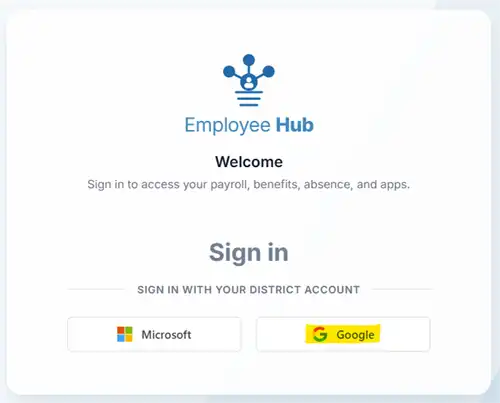
3. Sign in with your district email account - Select Google
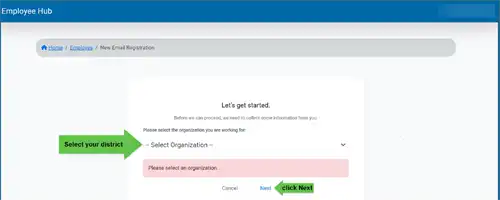
4. Start your email registration by selecting your district from the drop-down list
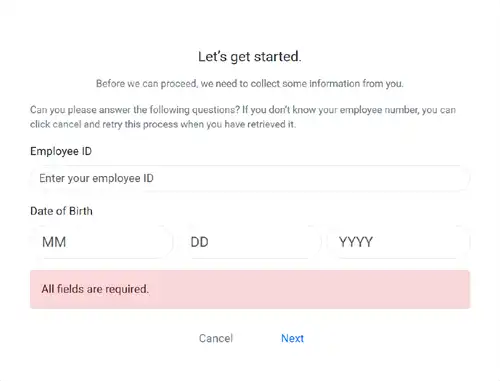
5. Enter your employee ID, date of birth and click Next
6. You have completed the employee Hub registration and have been successfully login.
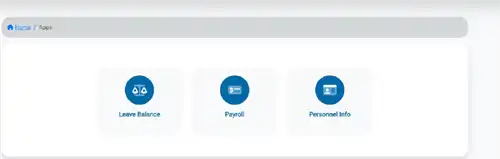
To access the "Employee Hub" portal, please click here.


